We are happy to announce a new feature set to release shortly for all partners in all regions regarding holiday greetings.
First, the original way to setup holidays around Auto Attendants is still valid and available for all partners on View plans and above.
In October's release, all partners on all plan levels can take advantage of a holiday greeting that can play in advance of whatever your call flow may be.
Navigate to either the Routes menu, or the Groups Menu:
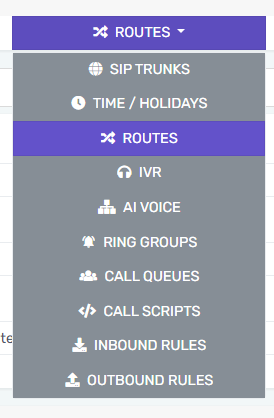
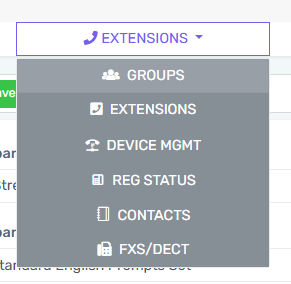
Select the Holidays Tab, and then Add your holidays,
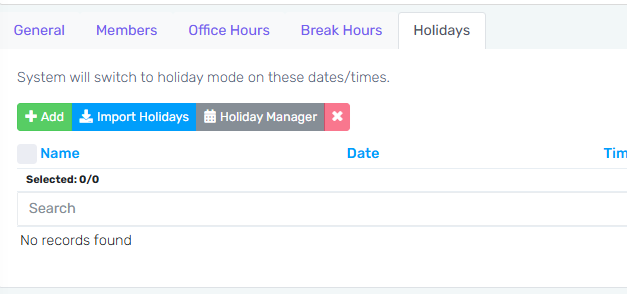
Make sure to upload your properly formatted audio file:
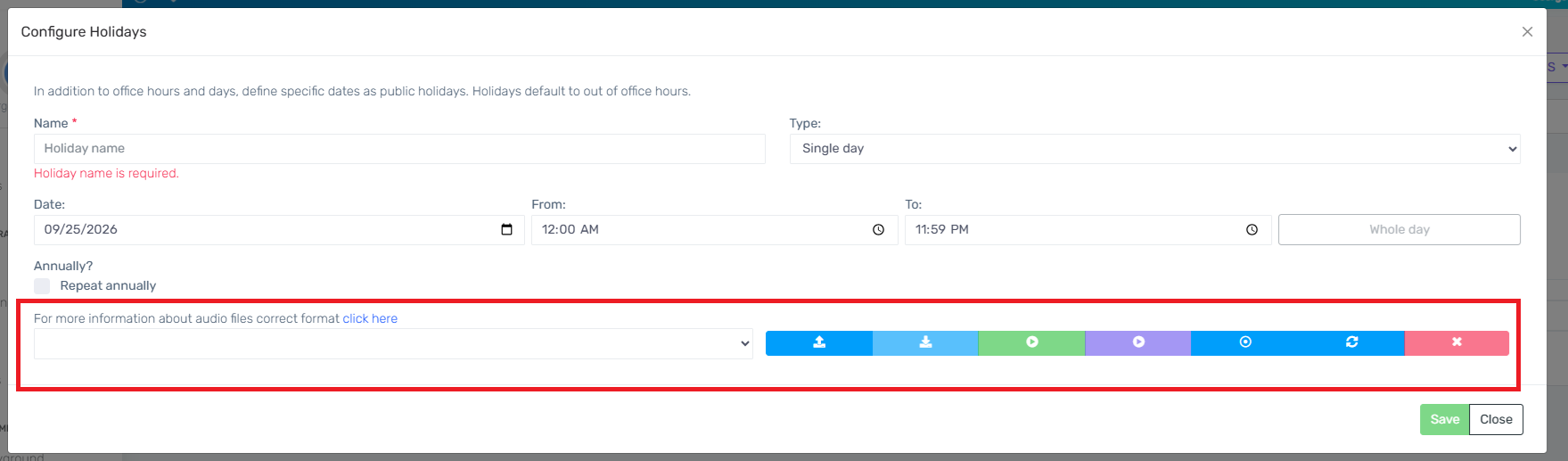
At this time. the audio files allowed in the bvoip phone system must be in WAV format. The audio file has a max size of 100MB and must also meet the following criteria:
PCM
8 kHz
16 bit
Mono
Navigate back to the General Tab in the same window:
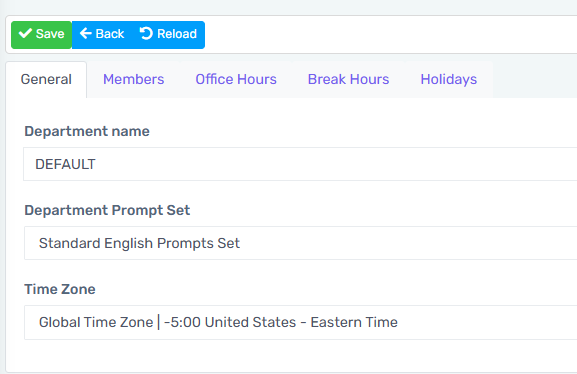
Scroll down to the Section that Says Destination on holiday
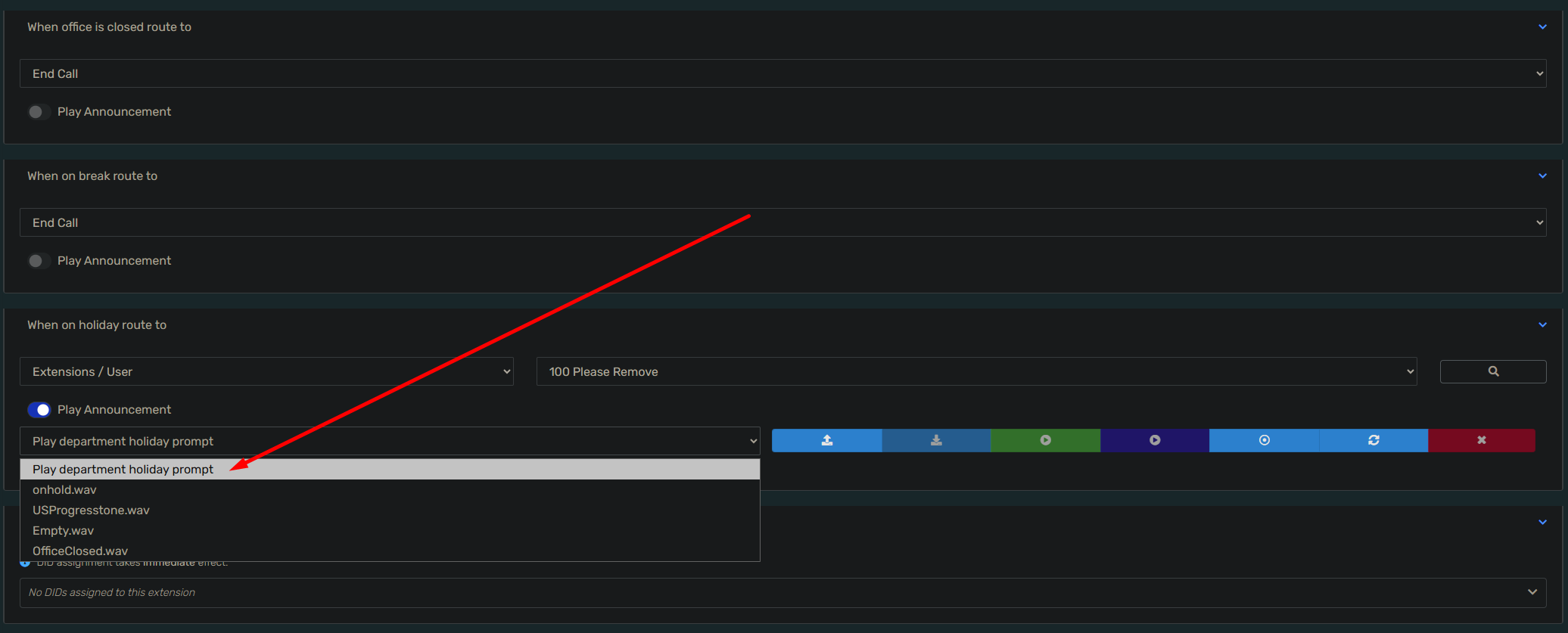
Toggle the button to Play Announcement
Select Play Department holiday prompt
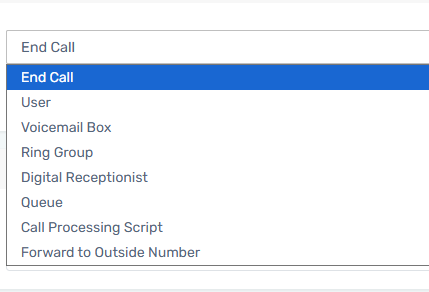
Then make sure to set you route to where calls should go after that greeting is played
Make sure to press the Green Save Button at the top of the screen.
And now you are all setup!