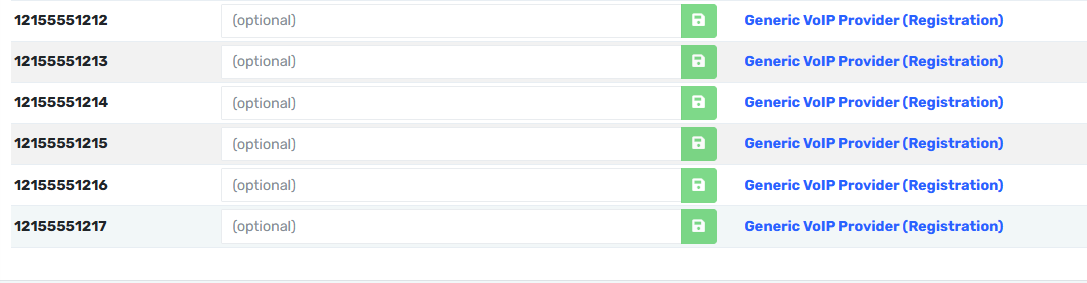
The problem: How to import lists of phone numbers at once without manually typing one-by-one
Answer: there are Two ways to do this.
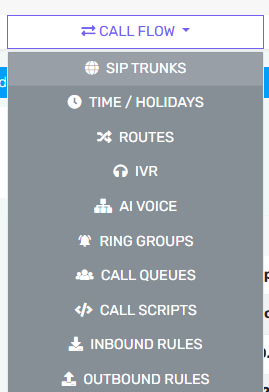
The first way is found under Call Flow, SIP Trunks, (select your account), DID Numbers
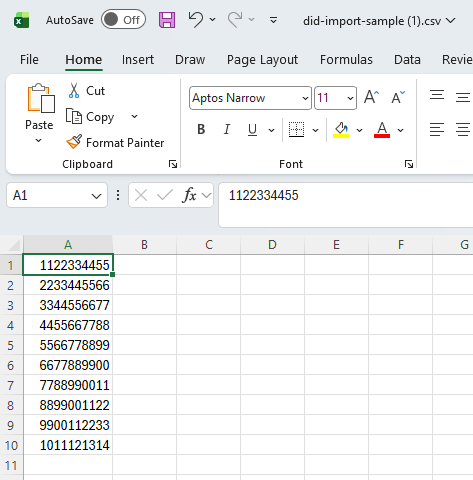
You can see there is a DID Sample template which can be downloaded, modified, and imported.

Here is what the sample download file looks like
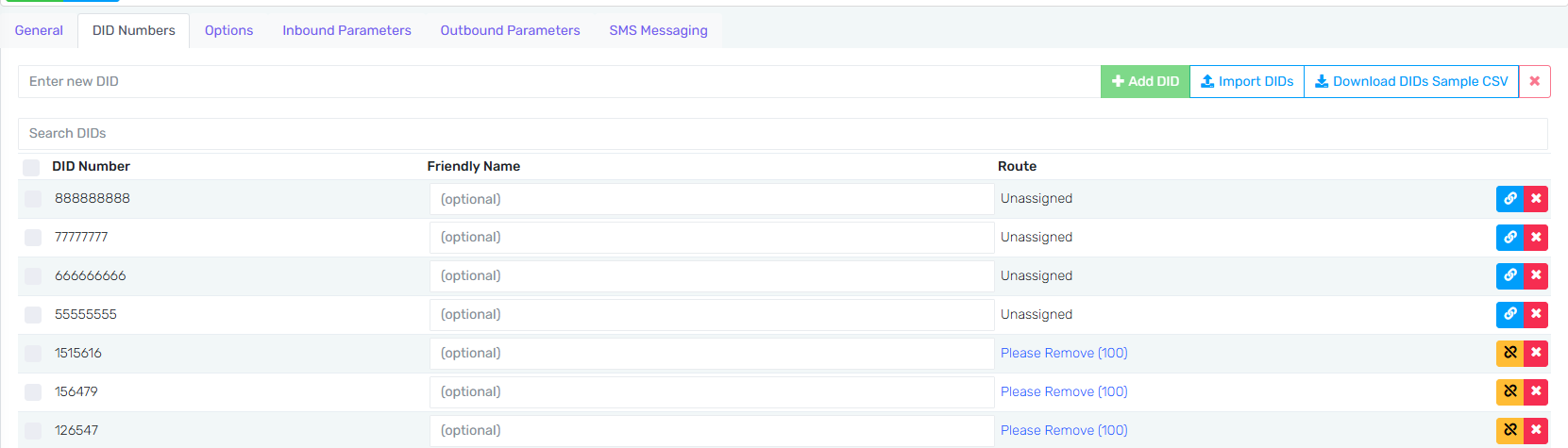
Once you modify it, click on Import DIDs and then select the file and you will now see your numbers in the list below.
The second way is a feature we are re-introducing to the Control Portal called DID Helper.
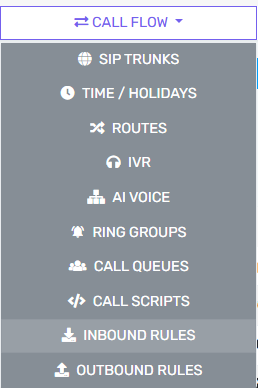
Under Call Flow, and Inbound Rules
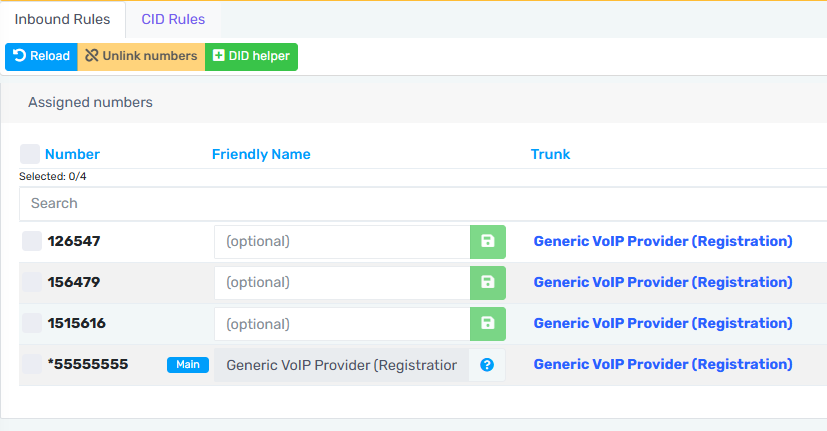
Click on Green Button called DID Helper
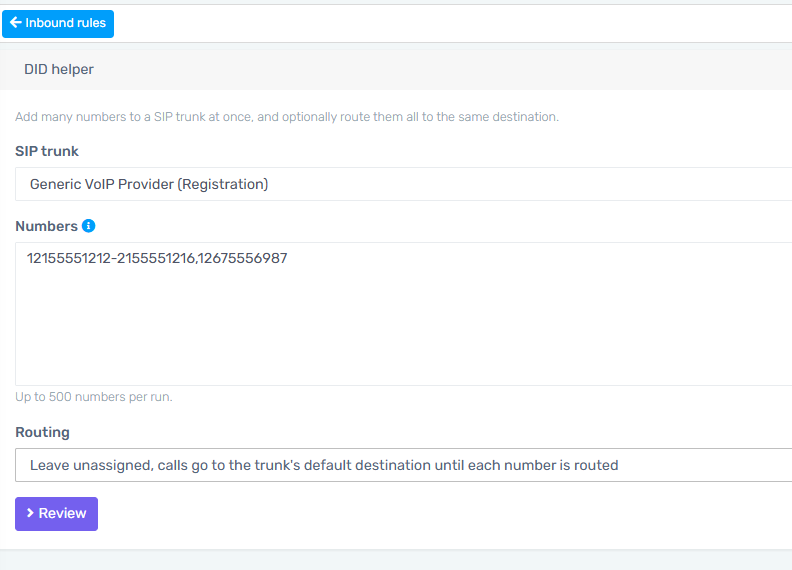
A window will show up where you can select your Calling Plan (Trunk) account, and then you can enter your numbers, assign your routing, and click on review
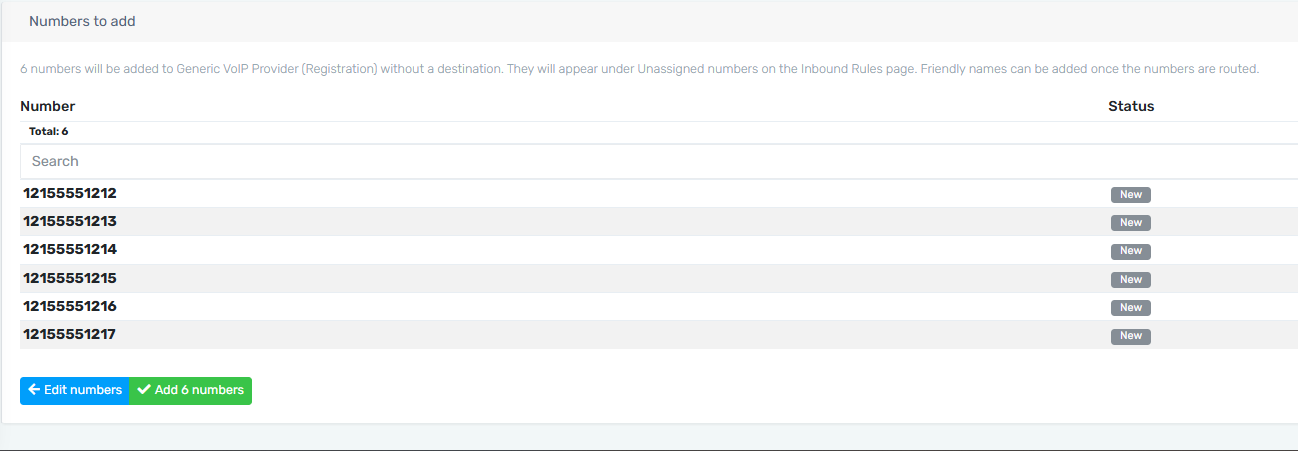
Click on the Green Button to Add Your Numbers
You will find your numbers now configured under Inbound Rules