Expected Functionality
This method will make it where faxes can only be received to the designated number as a PDF file.
1Stream Recommendation
Due to the limited nature of this functionality, we recommend using the eFax services with our partner, SIPTrunk.com
Setting up without ATA Device
- Log into the 1Stream phone system.
- Click on the Dashboard drop-down menu.
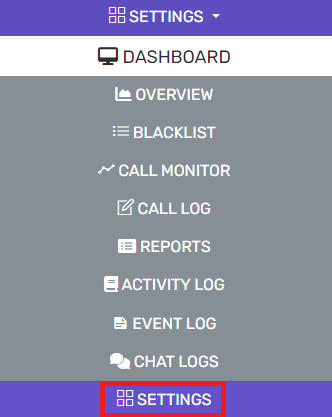
- Go to the Settings subsection.
- Select the Fax option.

- In the Default Email Address field, input an email address to forward the faxes received to.
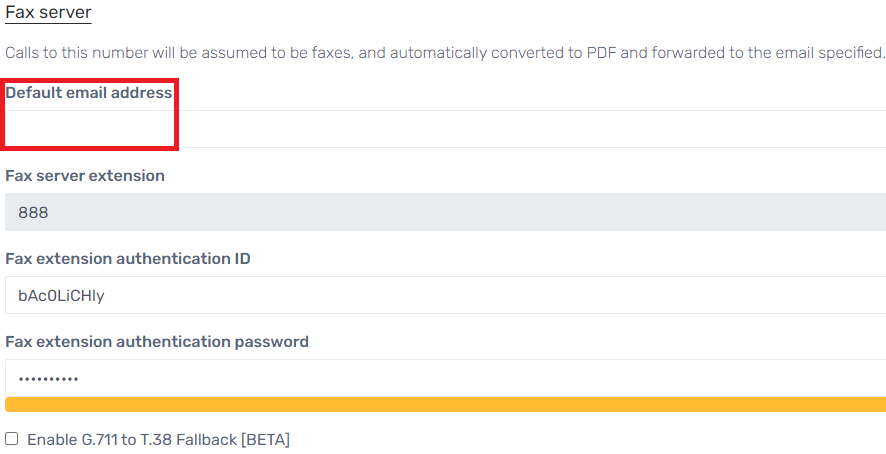
- The default built-in extension is 888.
- Scroll down to the Select a DID/DDI from the List below section.
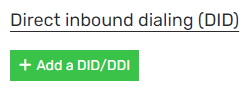
- Click on the Add a DID/DDI button. The Select a DID/DDI from the List Below pop-up will appear.
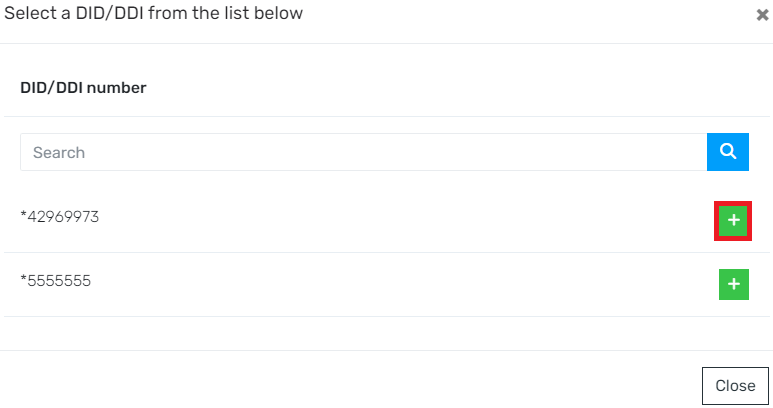
- Click on the plus button beside the desired DIDs to assign one or more available DIDs to the fax server.
- Click the Save button. Your fax server is now configured!