Locating Chat Logs
- Log into the 1Stream phone system.
- Click on the Dashboard drop-down menu.
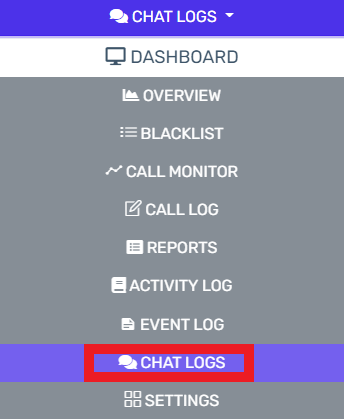
- Go to the Chat Logs subsection.
The logs for all chats will then be displayed if they have already been enabled.
Otherwise, you'll be prompted to enable the chat logs which will capture all current conversations.
Viewing Conversations
Click on the eye icon. The conversation pop-up will appear. All Texts related to a conversation will appear.