Google Cloud API Key is in Place
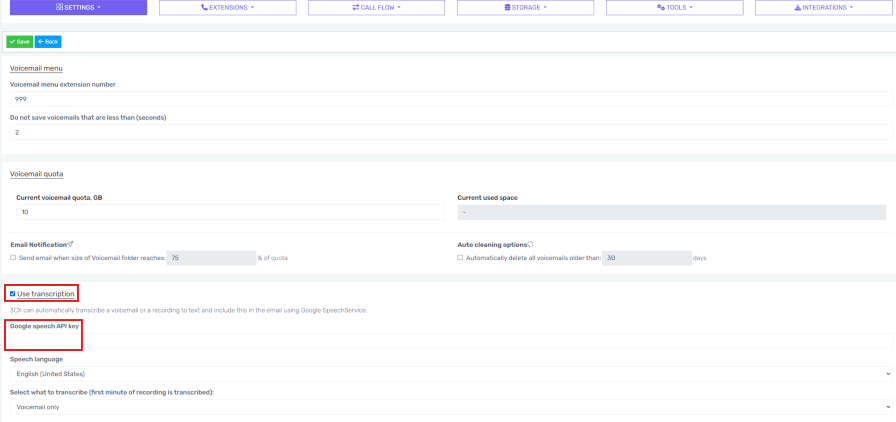
Ensure that the voicemail transcription is configured correctly by confirming the Google Speech API Key is in place. To ensure this, follow the Voicemail Transaction setup documentation.
If you have already initially configured this, confirm the Google Speech API Key is still in place in the 1Stream phone system. You can confirm this by navigating to the Overview menu in your 1Stream phone system. Head to Settings and then navigate to the Voicemail section.
Reset the SMTP Engine
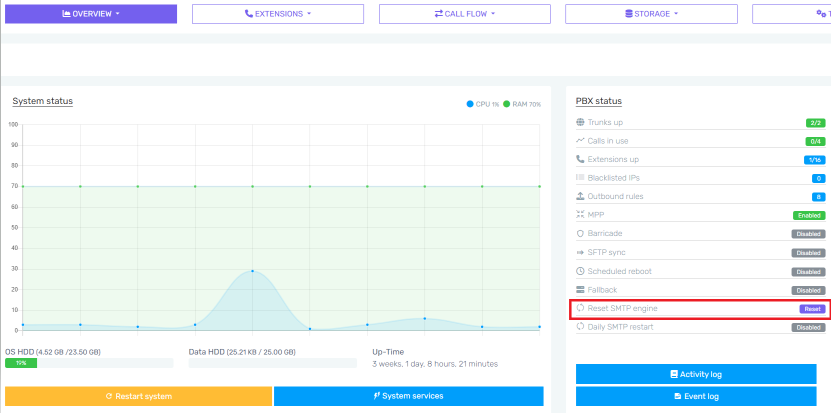
Once you have confirmed the Google Speech API Key is correct and in place, reset the SMTP Engine.
On the Overview page of the 1Stream phone system, the option to reset the SMTP engine is available.
System Prompts are Up to Date
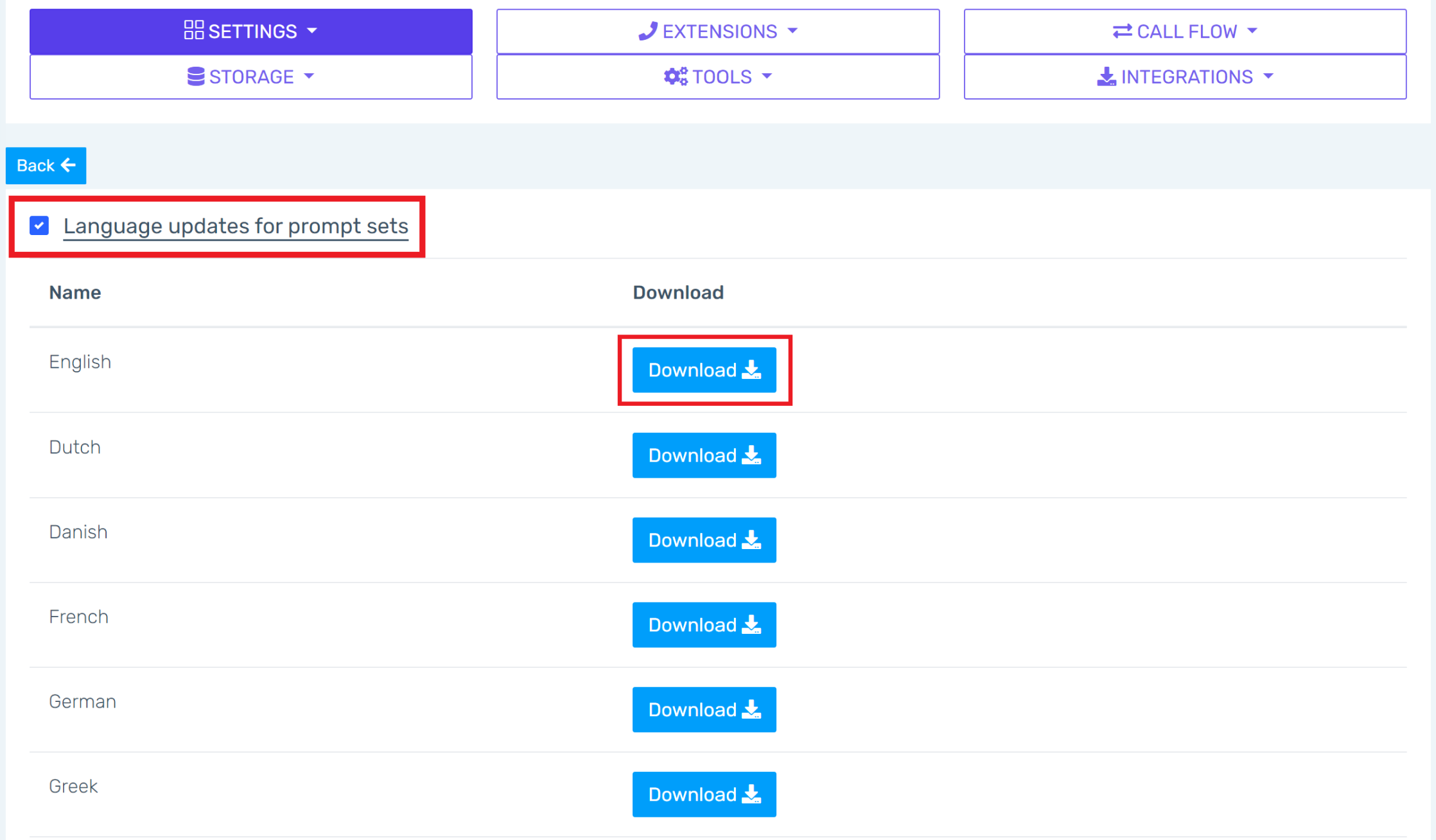
The 1Stream phone system System Prompts can also be reviewed to ensure they are running on the most up to date versions. To view the System Prompts, navigate to the Overview menu in your 1Stream phone system. Head to Settings and then navigate to the System Prompts section.
Once here, check the box for Language Updates for Prompts Set. Once this is checked, Download the appropriate language prompts. Once Download is clicked, the language prompts will be updated.