Correcting the Extension Displaying Name
- Log into the 1Stream phone system.
- Click on the Extensions drop-down menu.
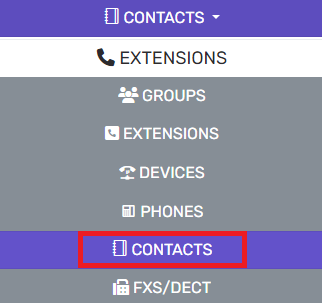
- Go to the Contacts subsection.
- Select the Options button. The Contact Options pop-up will appear.

- Scroll down to the Phonebook Display section.
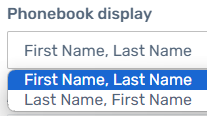
- In the drop-down, select the First Name, Last Name option.
- Click the Ok button.